How to send a recipe to your Kroger cart
Share the recipe into KartChef, check the matches, and send the whole list to your Kroger cart for pickup or delivery.
Updated November 2026
KartChef is an iPhone app that turns recipes into a Kroger grocery cart. It works with Kroger and every Kroger-family store, including Ralphs, Fred Meyer, King Soopers, Harris Teeter, Fry's, Smith's and QFC. You sign in with your own store account through Kroger's secure sign-in, so KartChef never sees your password.
Step by step
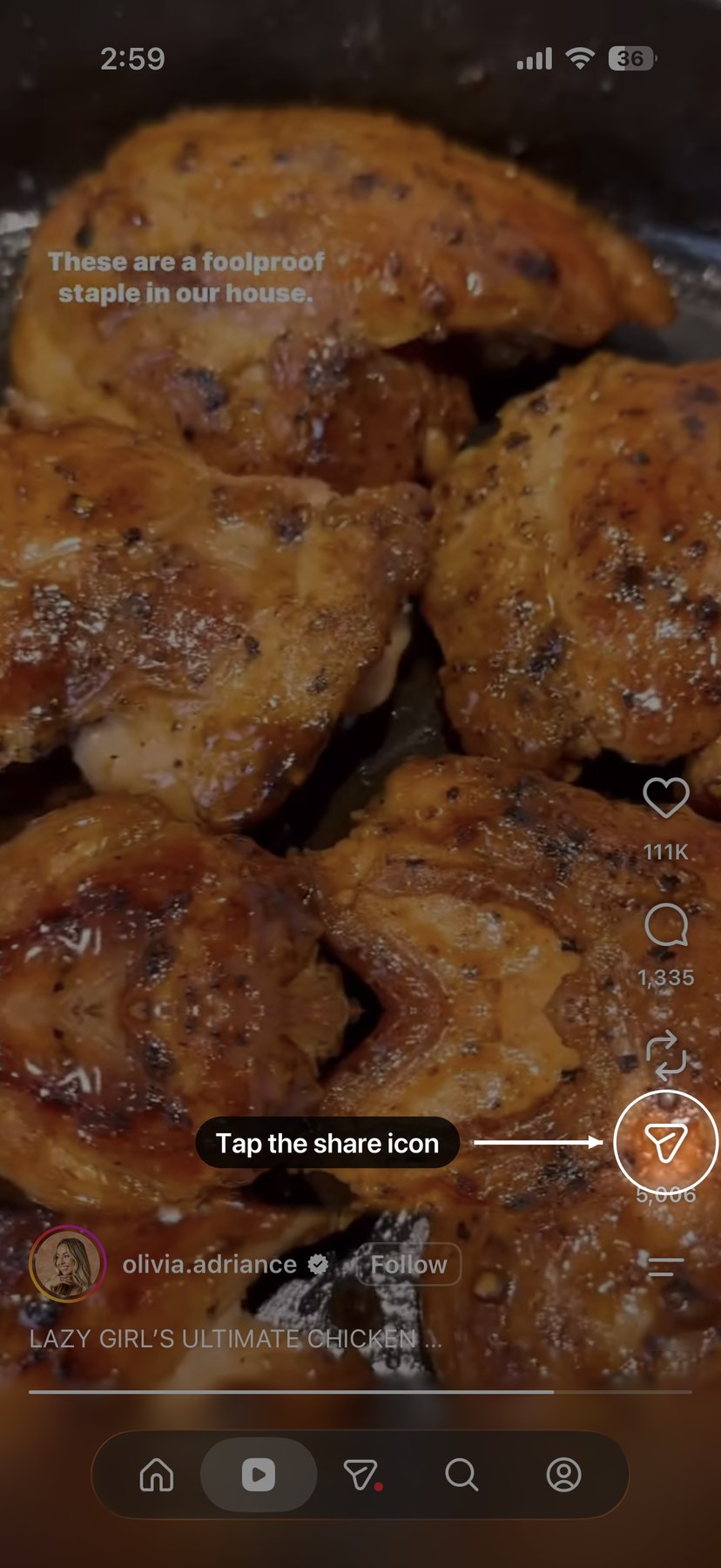
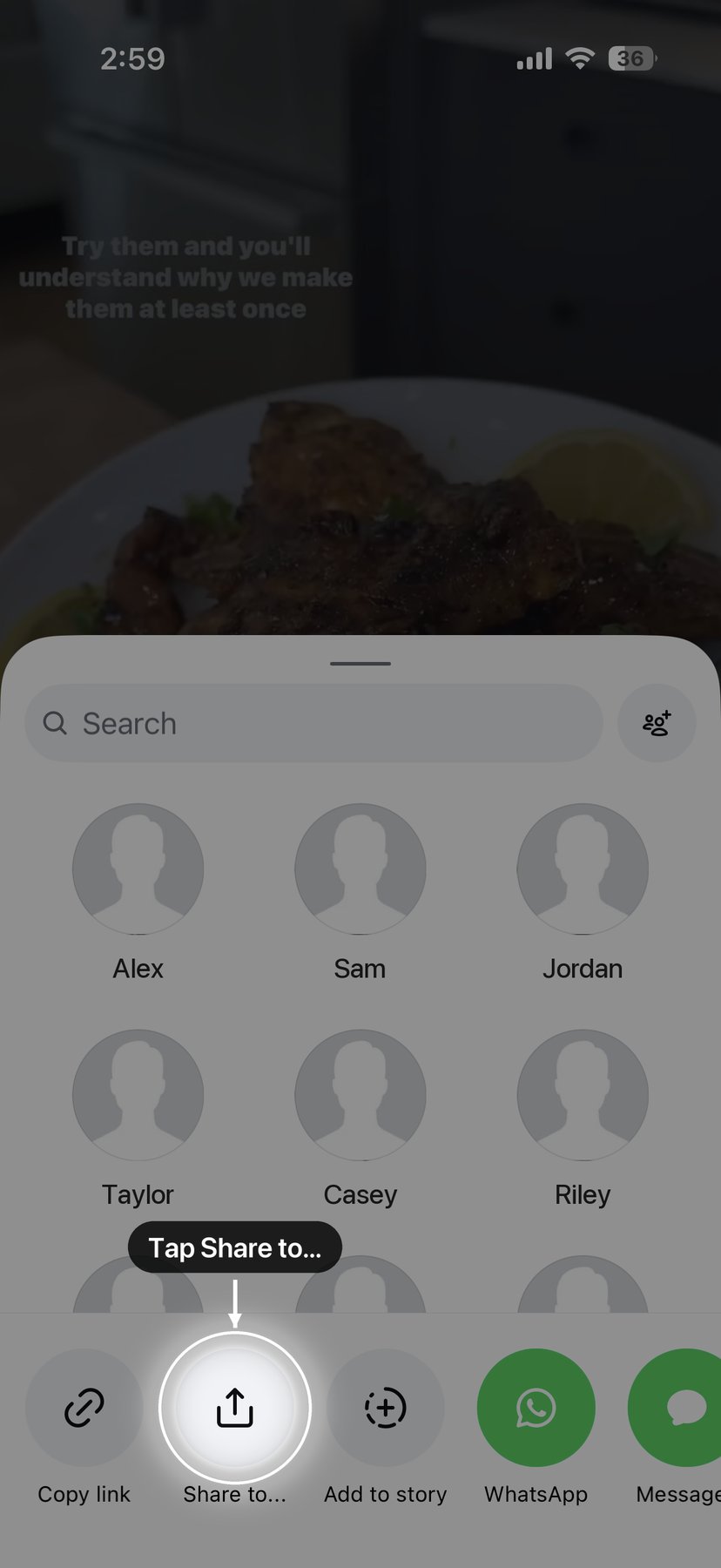
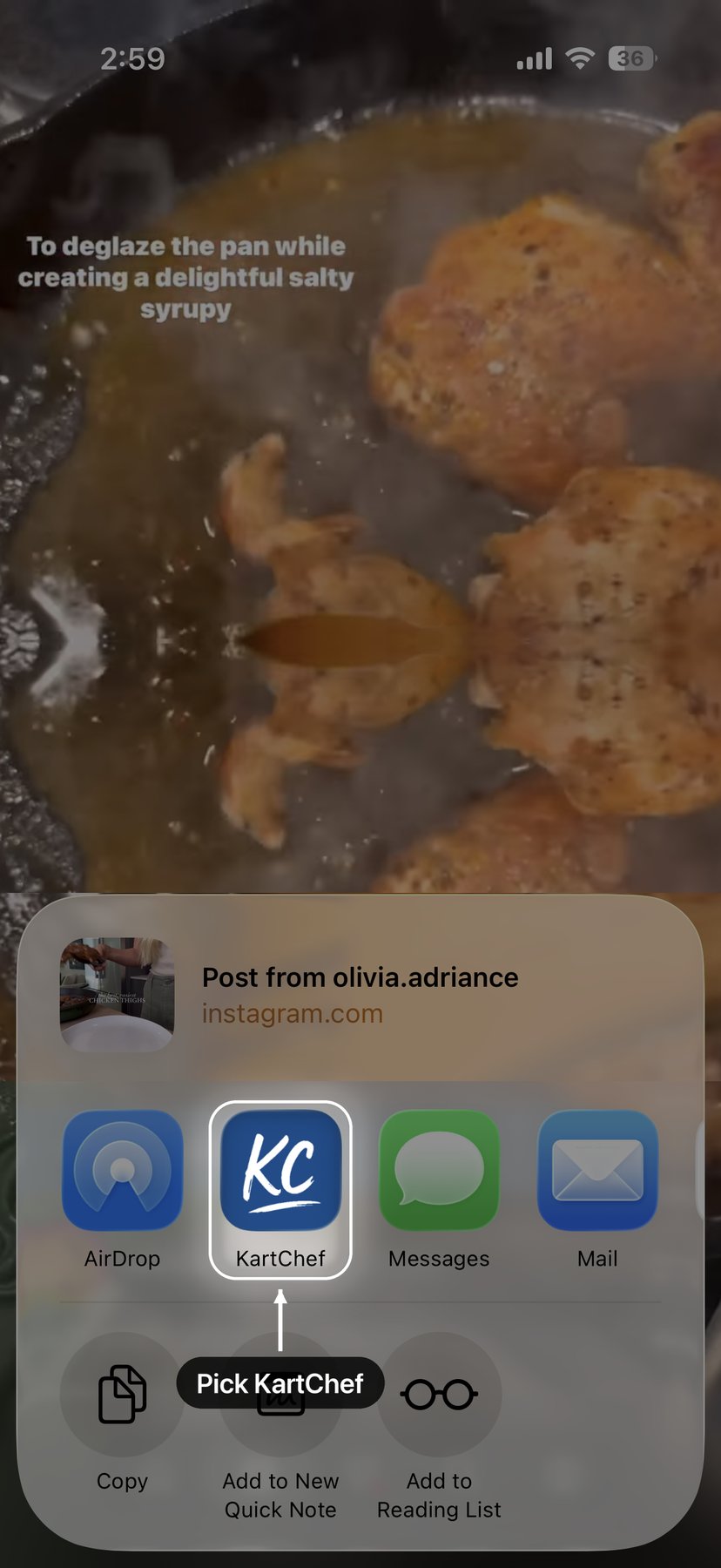
- Bring the recipe into KartChef. In the app where you found it (Instagram, TikTok, Pinterest, a recipe site), tap Share and choose KartChef. For a cookbook page, a handwritten card or a screenshot, open KartChef and use Upload a photo or screenshot.
- Check the matches. KartChef matches every ingredient to a real product at your store, with the price. Pin the brands you always buy and it uses them every time, or swap any match you do not like.
- Add it to your Grocery Plan. Add as many recipes as you are cooking this week. KartChef merges them into one list and combines ingredients they share, so two recipes calling for cilantro buy one bunch.
- Send it to your Kroger cart. One tap sends the whole list to your Kroger-family cart. Open the Kroger app or website to pick pickup or delivery and check out.
Where recipes can come from
- Social posts. Instagram, TikTok, Facebook and Pinterest posts that include the recipe in the caption or description. KartChef reads the text of the post. It does not watch the video yet, so a recipe that is only spoken on camera will not come through.
- Recipe sites and blogs. Tap Share in Safari or any app and choose KartChef.
- Photos and screenshots. A cookbook page, a magazine, a handwritten family recipe card or a screenshot. Use Upload a photo or screenshot inside KartChef.
- AI assistants. Recipes from ChatGPT, Claude, Gemini, Copilot and Perplexity. See turning a ChatGPT recipe into a Kroger cart.
Make the cart look like yours
Pin the brands you always buy and KartChef uses them every time. Share a receipt from the Kroger app and it learns the exact products you already buy. Tell it what you keep on hand, like olive oil, flour or spices, and Pantry Staples leaves those out of your cart.
Cooking for two instead of four? Tap ½× on the recipe and KartChef buys the smaller package, not just smaller numbers on screen.
What happens at checkout
KartChef fills your cart; it does not place the order. You finish in the Kroger app or on your store's website, where you choose pickup or delivery and pay as you normally would.
Get KartChef
Free to start on iPhone. Share in your first recipe and send the whole list to your Kroger cart.
KartChef is an independent app and is not affiliated with, endorsed by, or sponsored by The Kroger Co. or any of its stores.